Simplify the current version of the software and ship new features that improve user engagement. The current version of the platform is complex. This was reflected in the client support load. They were always calling to do tasks that were possible on the platform — they just didn't know how.
I was the head designer of the team.
Worked side-by-side with business developers
and engineers. I ran some user interviews, concepts, sketches, prototypes, user flows
and visual design of the product.
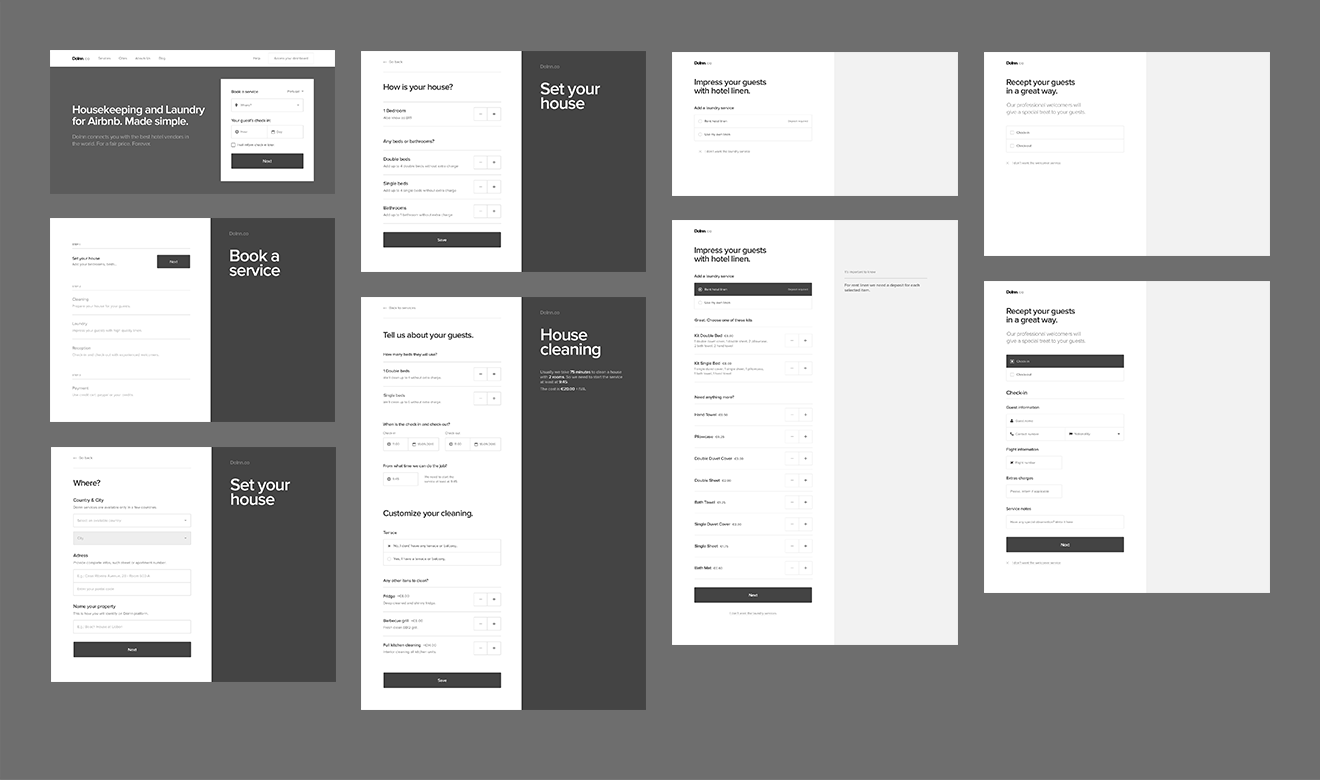
I started, in my short period at Doinn, a few high fidelity wireframes for the new service flow. These studies were the kick-start of a new product vision with a simple, honest and human approach. Bringing these values to the company's culture was one of my professional goals.
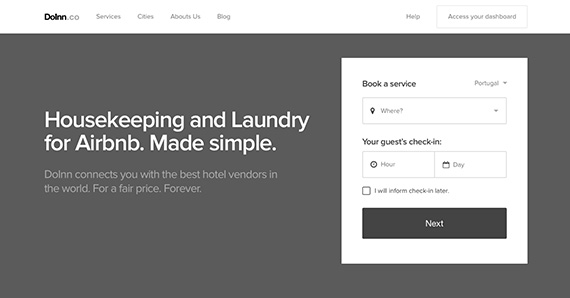
The previous version was accessible only to registered users. After a few tests and interviews we discovered that clients were using it as a way to explore the available services and prices.
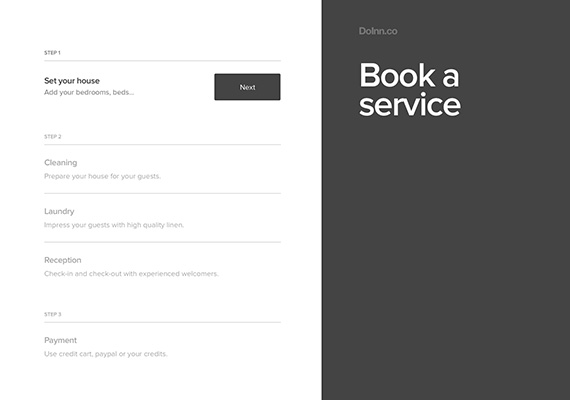
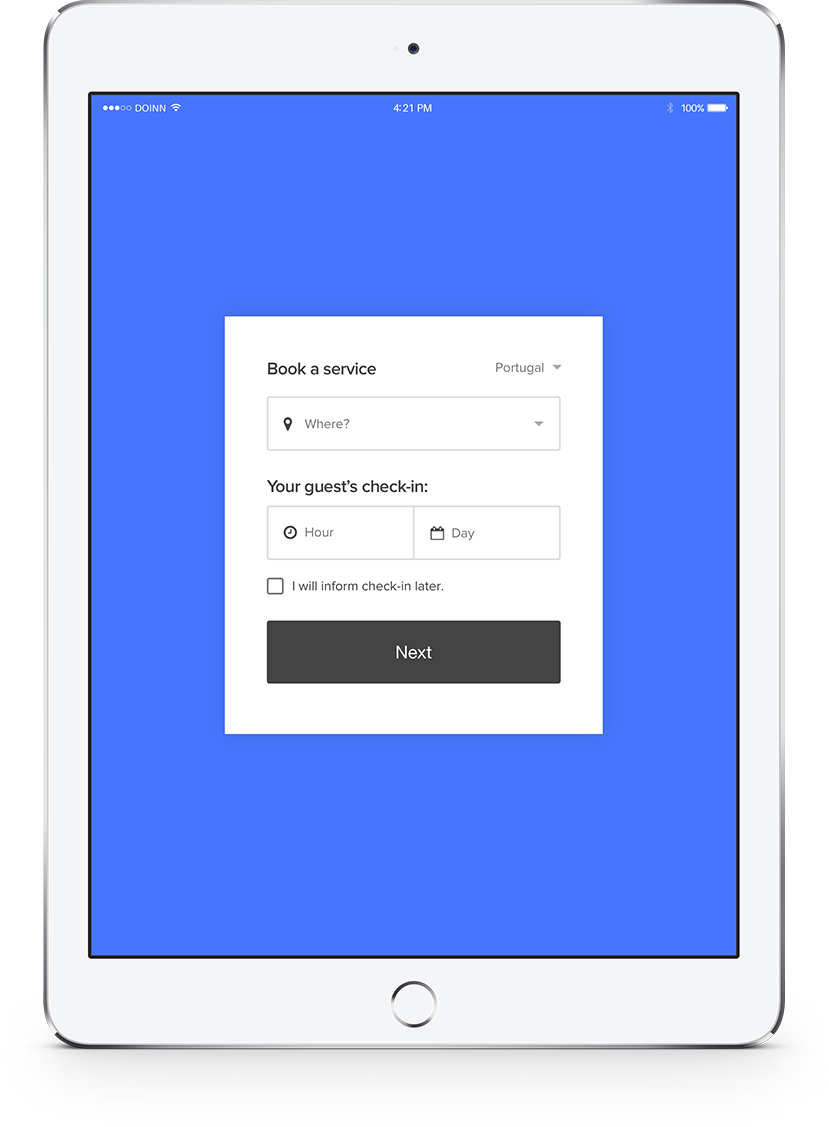
We had to deal with four different flows. The first was to set a property and others to buy services. We needed this because service prices were provided based on the house settings, such as location, neighborhood and schedule.
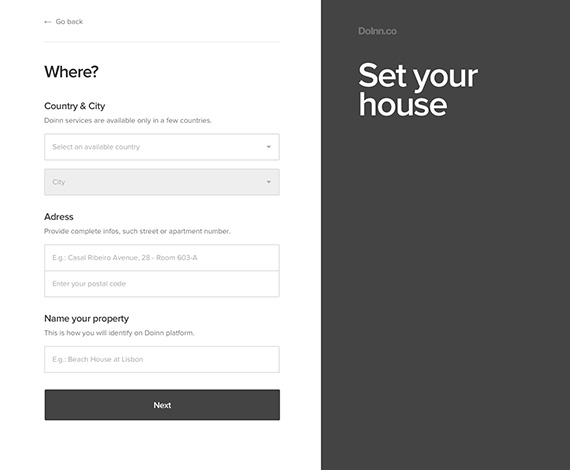
I tried to make the property setup as short as possible. For example, if any field like country and city were filled previously from a different route we display this information in a short single line, with an edit link.
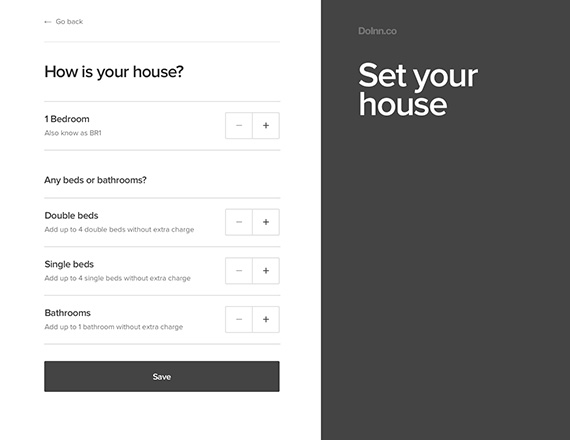
The more bedrooms the apartment has, the more beds and bathrooms the client can ask to be cleaned without extra costs. This simple prototype helped me to explain the idea to the team.
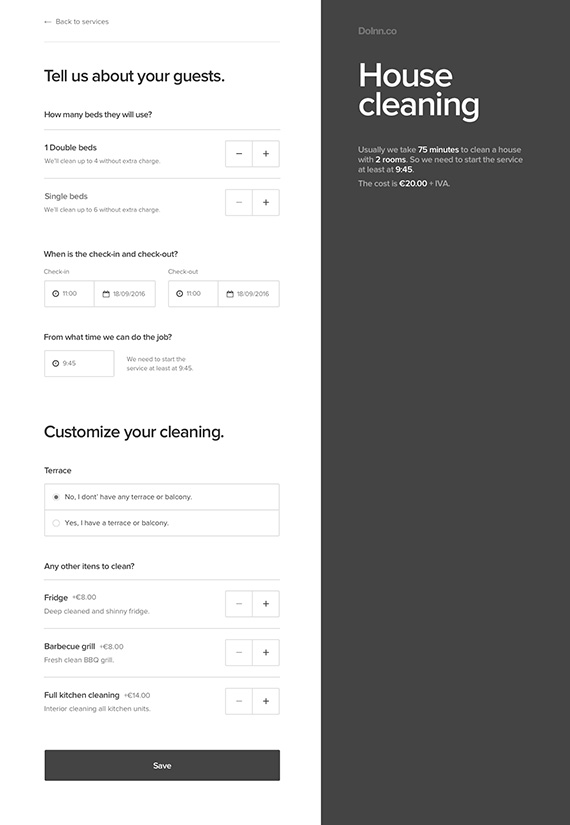
And after the house setup the client can request services. This is an example of how the request for house cleaning could look. To save development time, I used modules in the design system. This way, a single component could be reused multiple times by simply changing its content.
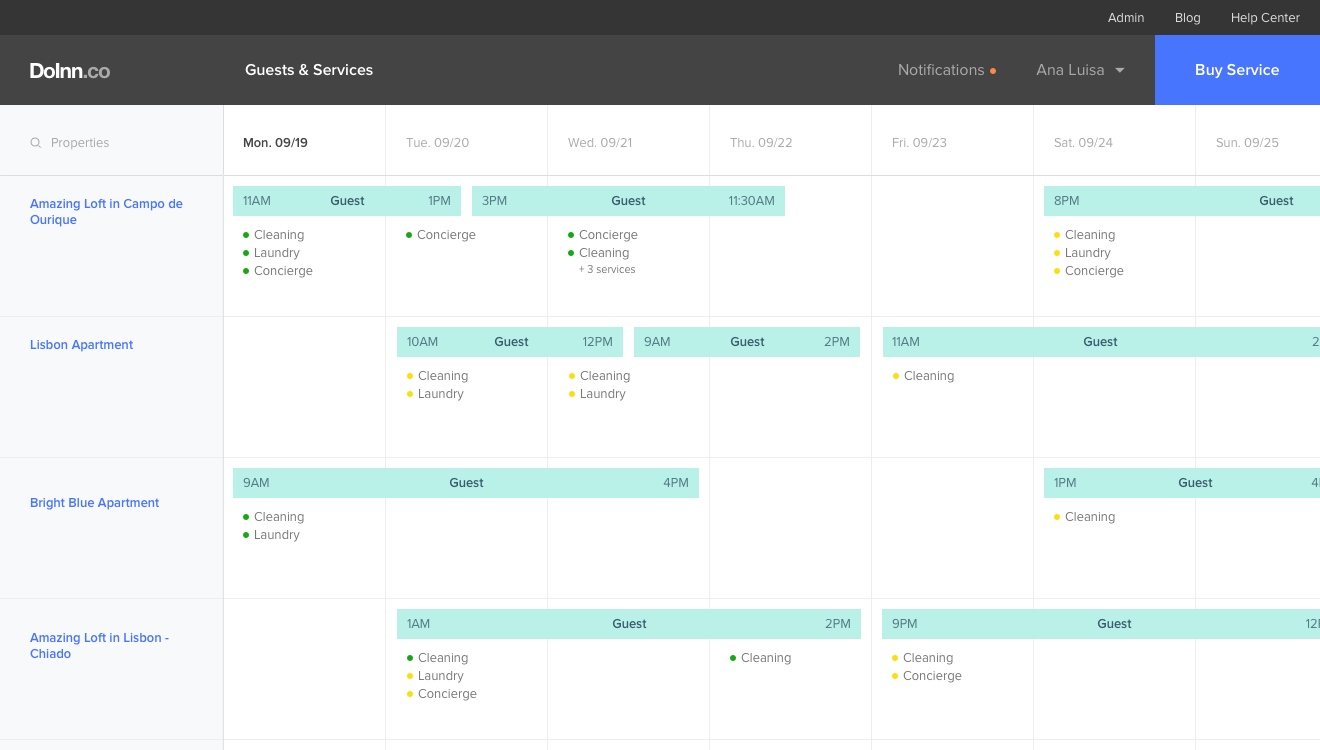
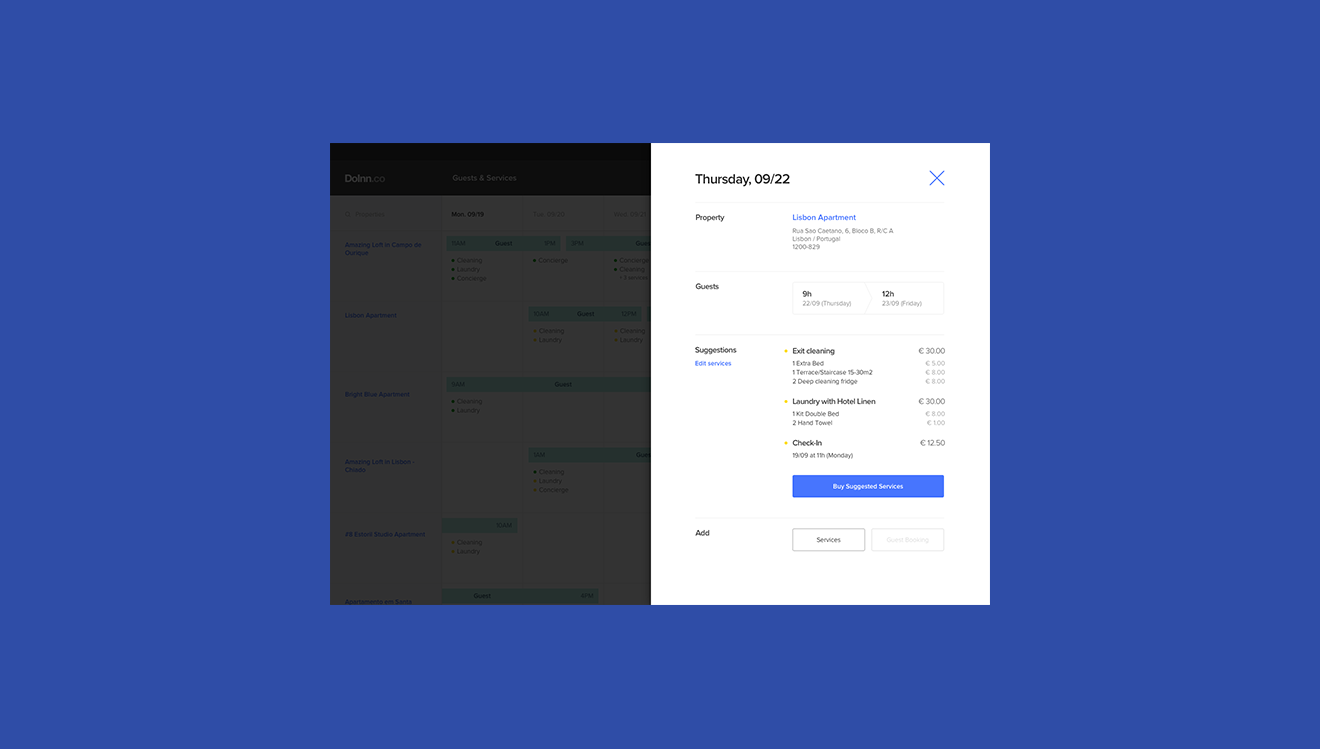
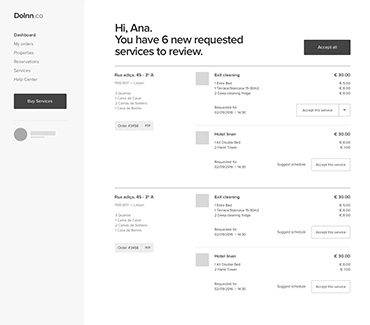
Iteration was important on the design process to find the best solutions and help deal with multiple conflicting requirements. The studies below are a good example of this exercise. It was for the main view of the dashboard. Here I had to present various types of information and features for different user profiles.
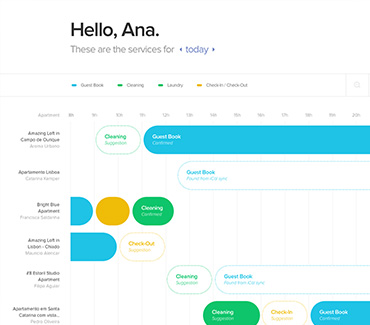
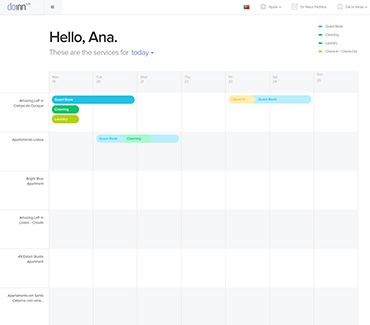
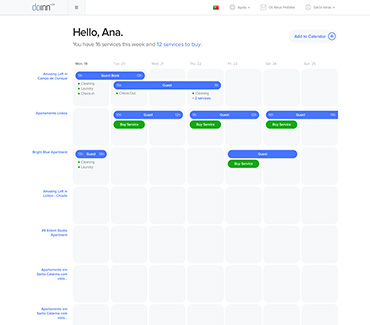
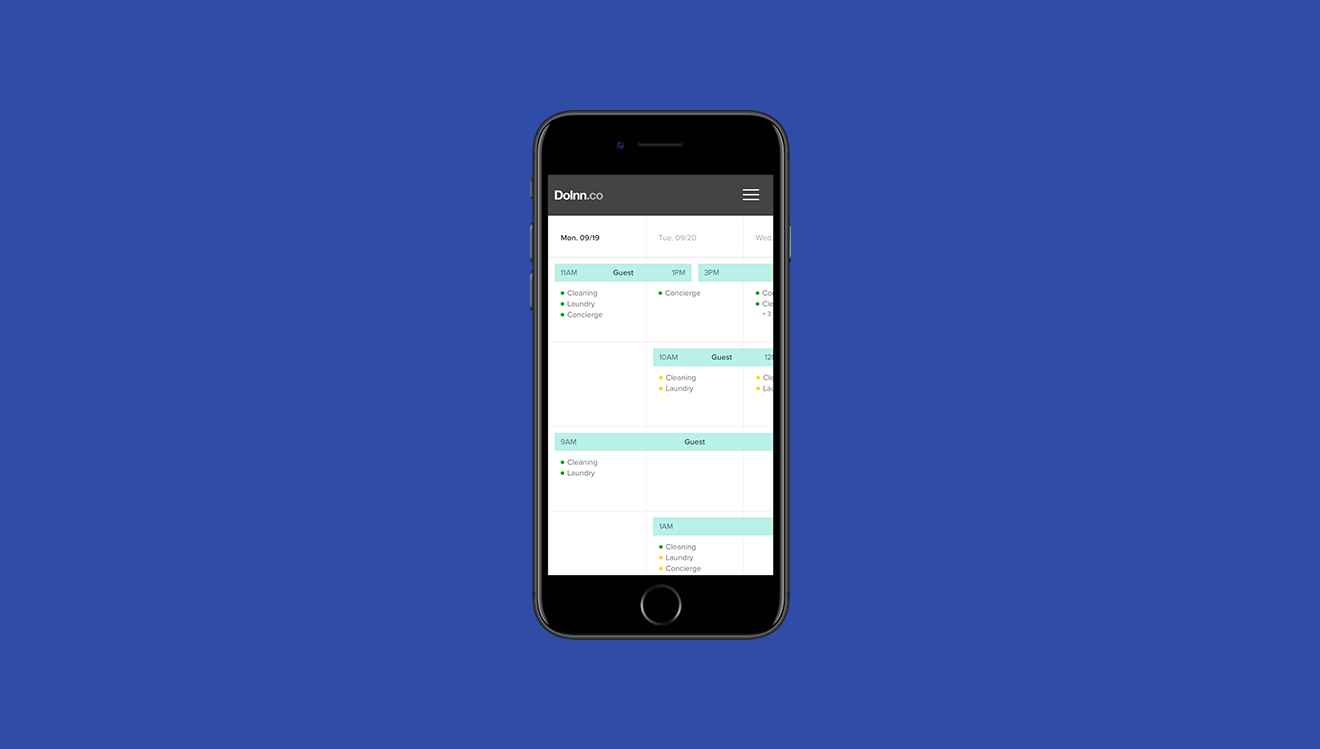
Quickly we saw that putting everything on a weekly calendar was the best and simplest solution. It easily adapts to mobile, is gesture-friendly and also accomplishes all requirements.